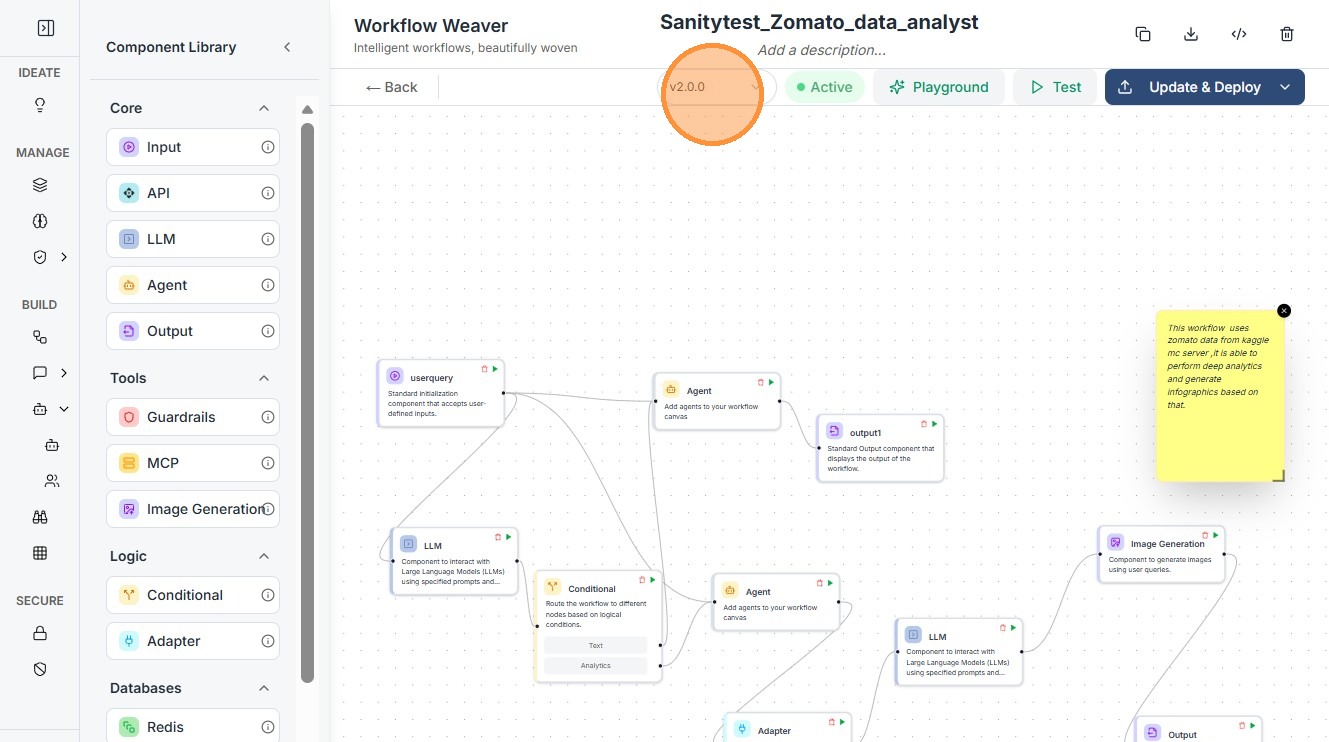
Workflow Versioning
This guide provides a straightforward process for versioning workflows, ensuring that users can easily manage and track changes. By following the steps outlined, individuals can efficiently create and save new versions, enhancing collaboration and organization within their projects. Viewing this guide will empower users to maintain clarity and control over their workflow iterations, ultimately improving productivity.
Technical Overview
Workflow versioning allows you to maintain multiple iterations of the same workflow without overwriting previous configurations. Each version acts as an immutable snapshot of the workflow state, including node configurations, variable mappings, and execution logic.
- Update & Deploy updates the current version in place (no version change).
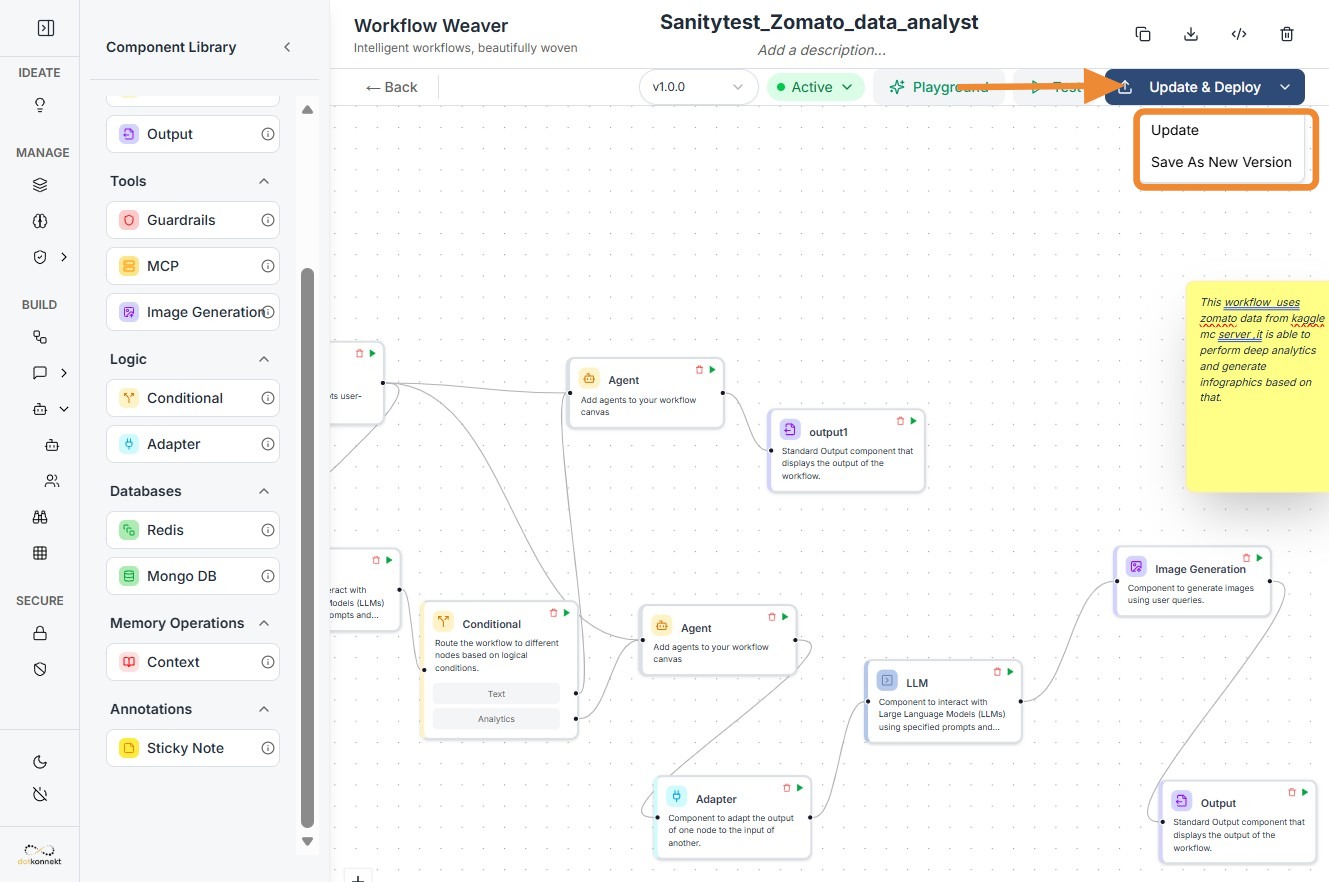
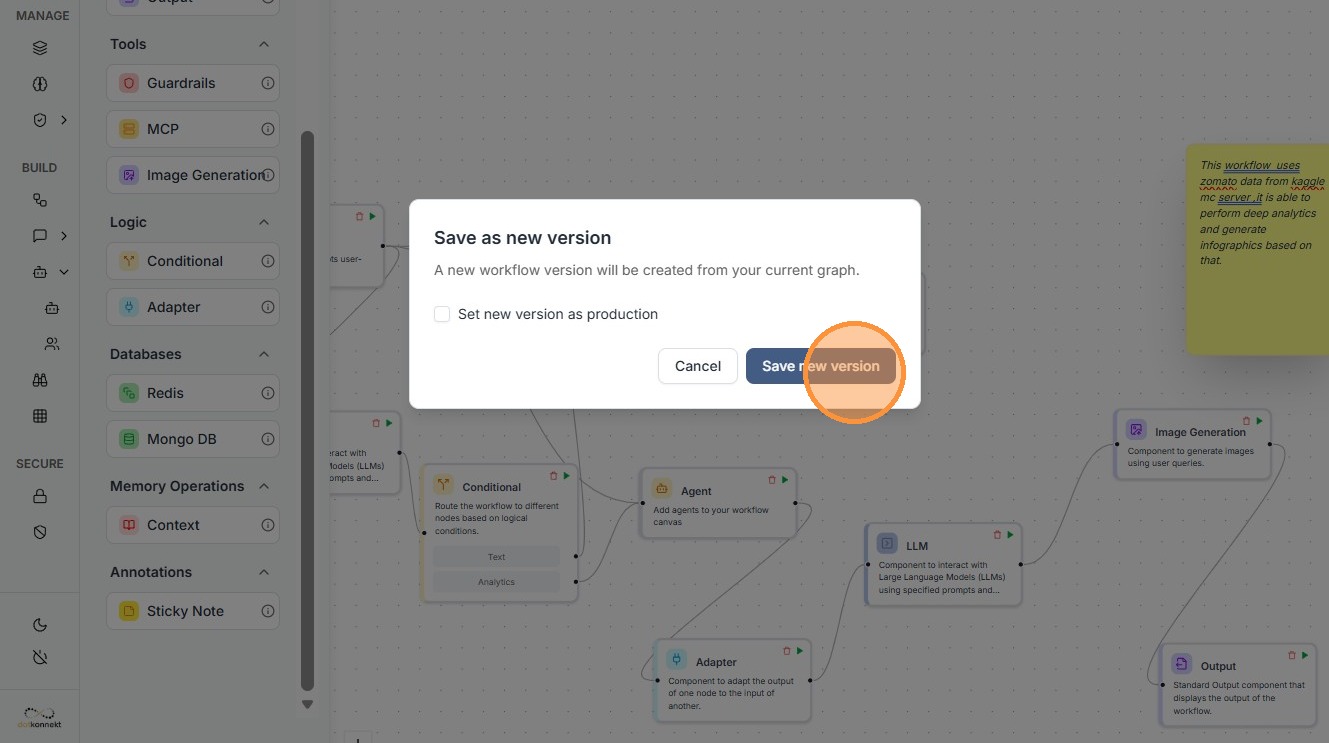
- Save As New Version creates a new version while preserving the existing one.
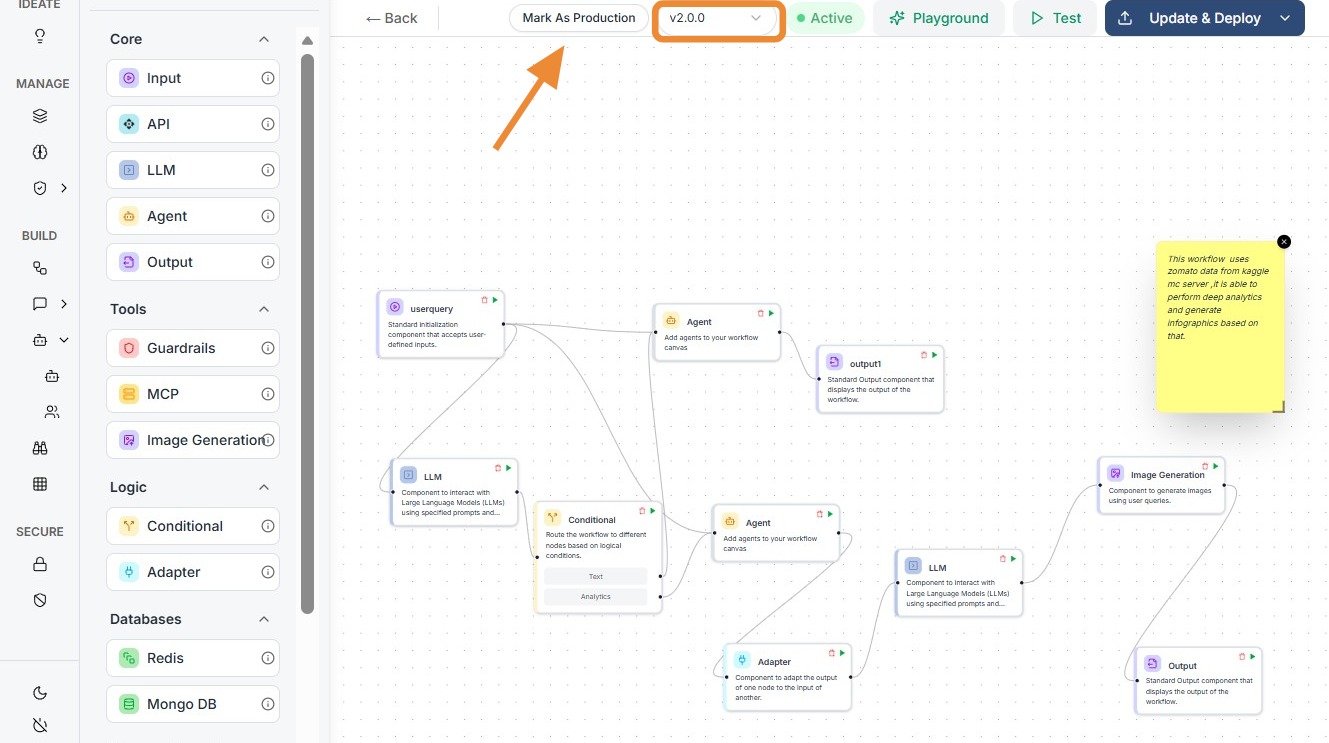
- Mark As Production designates a specific version as the active version used in live executions.
This ensures:
- Safe experimentation without breaking production workflows
- Full traceability of changes across versions
- Easy rollback to previous stable versions
Steps to Create a New Workflow Version
Step 1
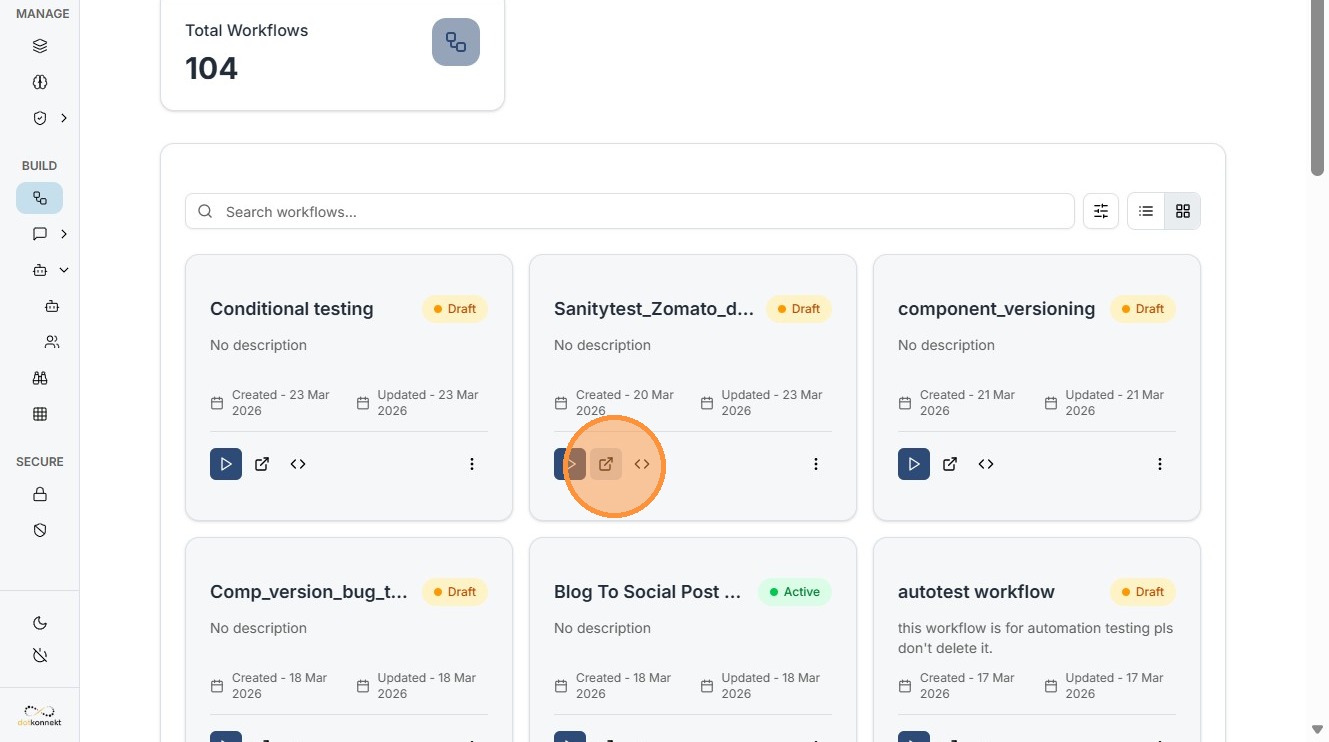
Click this button.
Step 2
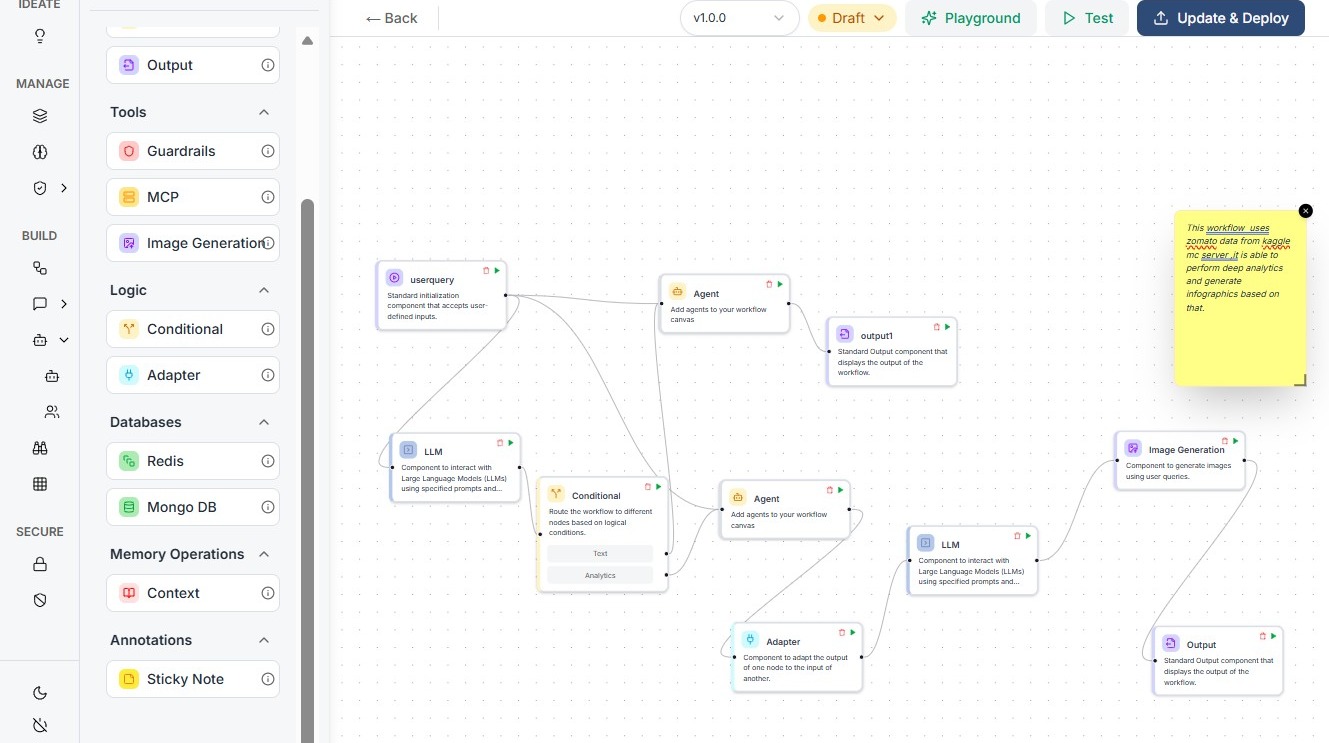
Make changes in your workflow.
Step 3
Click on Update & Deploy, select "Save As New Version".
Step 4
Click "Save new version"
Step 5
Click "Mark As Production"
Step 6
You can see your workflow version updated.